Text Effect Sushi: 3D Style for Illustrator
In the crowded landscape of digital design, standing out often comes down to the smallest details. A flat headline might convey a message, but a textured, three-dimensional treatment can evoke an emotion or set a specific tone instantly. This is where specialized graphic resources like Text Effect Sushi become invaluable tools for designers. Unlike standard typefaces that rely on fixed shapes, this resource offers a dynamic, editable 3D style that transforms simple words into visual experiences. Whether you are crafting a menu for a new restaurant, designing a wedding invitation with a romantic twist, or creating bold marketing materials, understanding how to leverage these effects can significantly elevate your work.
Beyond Standard Fonts: Understanding the Concept
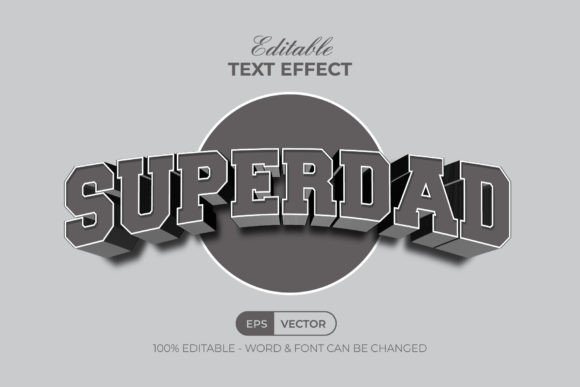
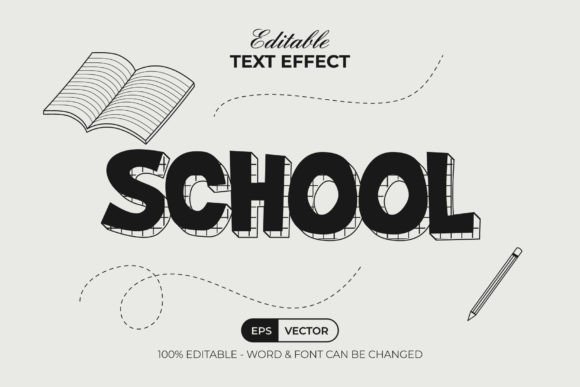
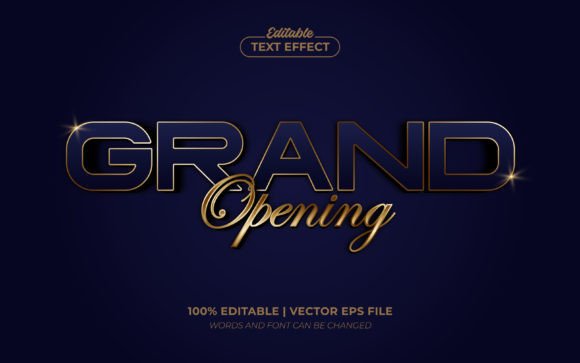
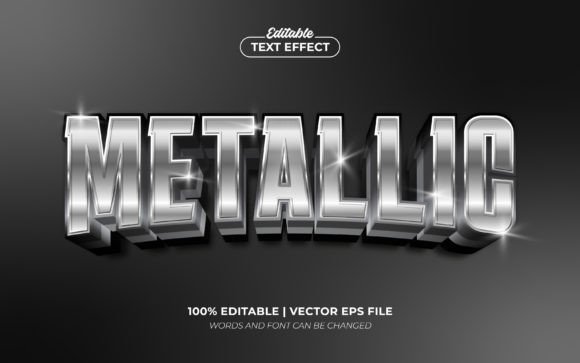
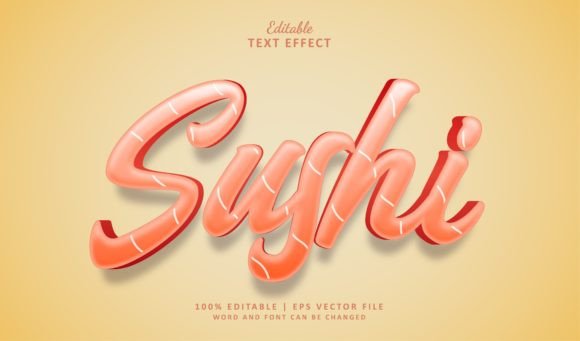
It is crucial to clarify a common misconception before diving into usage: Text Effect Sushi and its companion Heart style are not fonts in the traditional sense. They do not install into your system's font library. Instead, they are pre-designed vector effects created specifically for Adobe Illustrator. This distinction changes how you interact with them. You are not limited to a single character set; rather, you are working with a sophisticated template where every letter is constructed as an editable shape. The preview images typically showcase the "Fabiana" font from dafont, but the magic lies in the fact that you can replace this text with any typeface you prefer while retaining the complex 3D structure.
This approach solves a frequent frustration for professionals: the inability to customize a cool-looking effect without starting from scratch. With standard 3D fonts, changing the text often breaks the effect or requires manual reconstruction. Text Effect Sushi bypasses this by offering a fully scalable, 100% editable environment. If you need the word "Sushi" to look delicious and textured, or "Love" to appear soft and dimensional, you simply open the file, select the text layer, and type your own content. The software automatically applies the intricate styling to your new words, saving hours of manual modeling time.
Efficiency in Professional Workflows
For freelancers, agency designers, and small business owners, time is the most valuable currency. Creating high-quality 3D typography from scratch in Adobe Illustrator involves mastering complex tools like the Appearance panel, gradients, blending modes, and extrusion techniques. While learning these skills is essential for a career in design, it is not always practical for every project deadline. Text Effect Sushi acts as a force multiplier in your workflow. It provides a professional-grade result that would otherwise take significant time to engineer manually.
Consider a scenario where a local cafe needs a logo update. They want something modern yet appetizing. Instead of spending a day experimenting with lighting and depth, a designer can import the Text Effect Sushi file, swap the placeholder text for the cafe's name, adjust the colors to match the brand palette, and export the final asset in minutes. This efficiency allows professionals to focus their creative energy on layout, composition, and strategy rather than getting bogged down in technical construction. The ability to scale the effect to any size without losing quality ensures that the same file works for a social media post, a billboard, or a printed napkin, further streamlining the production process.
Creative Flexibility and Brand Identity
The true power of these editable text effects lies in their adaptability. Because the files are provided in EPS format compatible with Adobe Illustrator CS6 and higher, they integrate seamlessly into existing projects. Designers are not locked into a specific aesthetic; they can deconstruct the layers to change textures, alter lighting angles, or modify the color scheme entirely. This flexibility is particularly beneficial for entrepreneurs and marketers who need to maintain brand consistency while exploring different visual directions.
Imagine a Valentine's Day campaign. The Heart editable text effect offers a romantic, dimensional style that resonates emotionally with the audience. However, if the brand guidelines require a specific shade of red or a metallic finish, the editable nature of the file allows for precise adjustments. You are not stuck with a static image; you have full control over the final output. This level of customization supports stronger communication because the visual element aligns perfectly with the brand voice. It bridges the gap between generic stock graphics and expensive custom illustrations, providing a middle ground that is both cost-effective and unique.
Ideal Use Cases Across Industries
While the names "Sushi" and "Heart" suggest specific themes, the underlying technology applies to a wide range of industries. In the food and beverage sector, the Text Effect Sushi style is perfect for menus, packaging labels, and promotional banners. The 3D texture can mimic ingredients or evoke freshness, making the food look more appealing to potential customers. For event planners and stationery designers, the Heart style is ideal for wedding invitations, anniversary cards, and greeting messages where emotional impact is key.
Educators and content creators also find value in these tools. When designing course materials, presentation slides, or blog headers, engaging visuals keep the audience interested. A standard Arial or Helvetica header might be clear, but a stylized 3D title captures attention immediately. Similarly, publishers and book cover designers can use these effects to create eye-catching titles that stand out on digital storefronts. The scalability of the EPS format means these designs remain crisp whether viewed on a smartphone screen or printed on a large poster, ensuring versatility across all media channels.
Technical Considerations and Limitations
While Text Effect Sushi offers significant advantages, it is important to understand its requirements and limitations to ensure a smooth experience. First and foremost, this resource is strictly dependent on Adobe Illustrator. Users relying solely on Photoshop, Canva, or free online editors will not be able to edit the source files directly. The minimum requirement is Adobe Illustrator CS6 or higher. If you are using older software, the file may not open correctly, or certain features might be missing. Additionally, while the files come with JPG previews for quick reference, the actual editable work must be done within the vector environment of Illustrator.
Another consideration is the learning curve. Although the text is easy to edit, users should have a basic familiarity with Illustrator's interface. Knowing how to ungroup objects, manage layers, and apply gradient fills will enhance the results. If you are completely new to vector graphics, you might spend some initial time navigating the file structure. However, once you understand the logic—selecting the text box and typing your new content—the process becomes intuitive. It is also worth noting that while the effect is impressive, it may not suit minimalist or ultra-modern design styles that favor flat aesthetics. It is best used when a tactile, dimensional feel is desired.
Maximizing Value for Your Projects
To get the most out of Text Effect Sushi and similar resources, treat them as a foundation rather than a final product. Do not simply insert the default text and export. Experiment with different fonts to see how the 3D structure interacts with various typefaces. Try changing the background colors or adding drop shadows to integrate the text better into your overall composition. By combining these pre-made effects with your own creative direction, you create assets that feel bespoke and tailored to your specific needs.
For professionals managing multiple clients, organizing these files efficiently is key. Keep the original EPS files safe and create duplicates for each project to avoid accidental overwrites. This practice ensures that you always have a clean version to start from. Furthermore, understanding the difference between raster and vector formats helps in delivering the right files to clients. Since these are vector-based, they offer infinite scalability, which is a major selling point for print-heavy projects.
Conclusion on Visual Impact
In a world saturated with digital content, the quality of your typography can make or break a design. Text Effect Sushi and the Heart editable text effect provide a practical solution for those seeking high-impact visuals without the steep time investment of manual 3D modeling. By offering full editability, scalability, and compatibility with industry-standard software, these tools empower designers, entrepreneurs, and creators to produce professional results quickly. Whether you are launching a new brand, planning a special event, or simply looking to add a touch of flair to your next project, leveraging these editable effects can transform your text from mere information into a compelling visual statement.